Notes on keeping things.
Written by the person building Reminari: on saving, forgetting, and the tools in between.
 LATEST
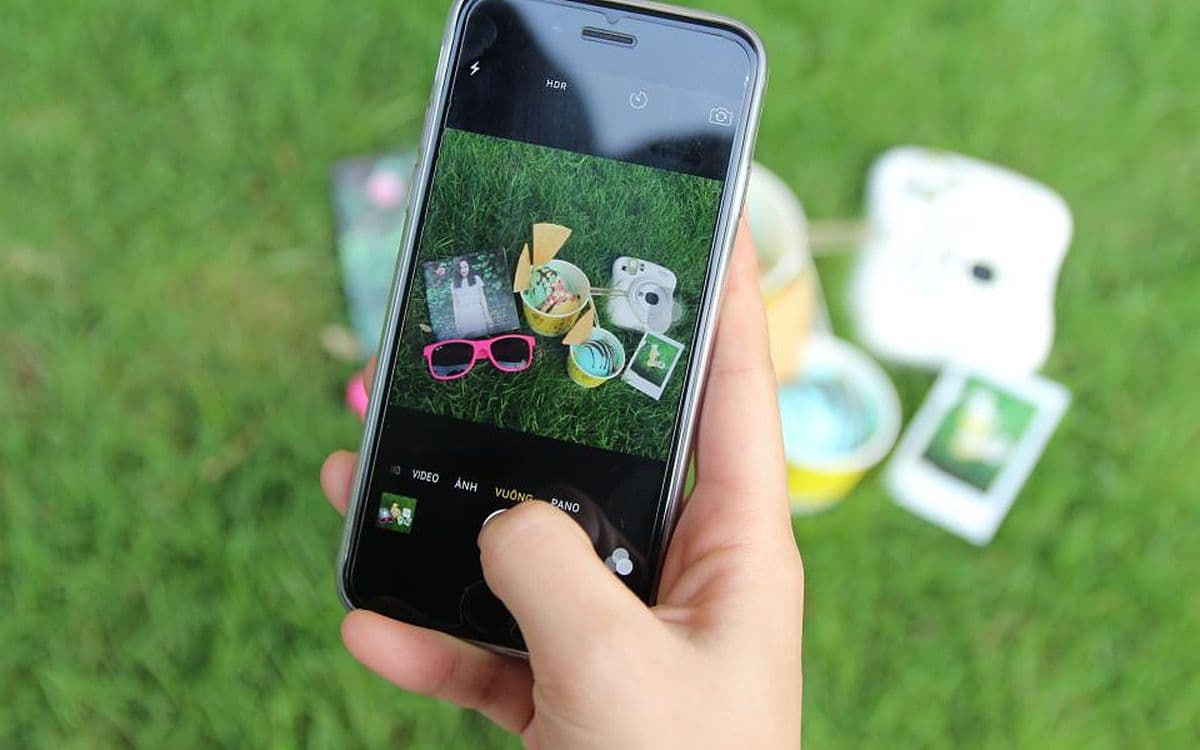
How to organize screenshots on iPhone (and find them later)
How to organize screenshots on iPhone in iOS 27: where they go, how to hide them, albums and keywords, a Shortcuts trick, and a cleanup routine that sticks.
Mark · 8 min readAll posts

How to find saved posts on Facebook (and saved reels)
How to find saved posts on Facebook in the app and on the web, plus saved reels and videos, collections, and what to try when your Saved list won't load.
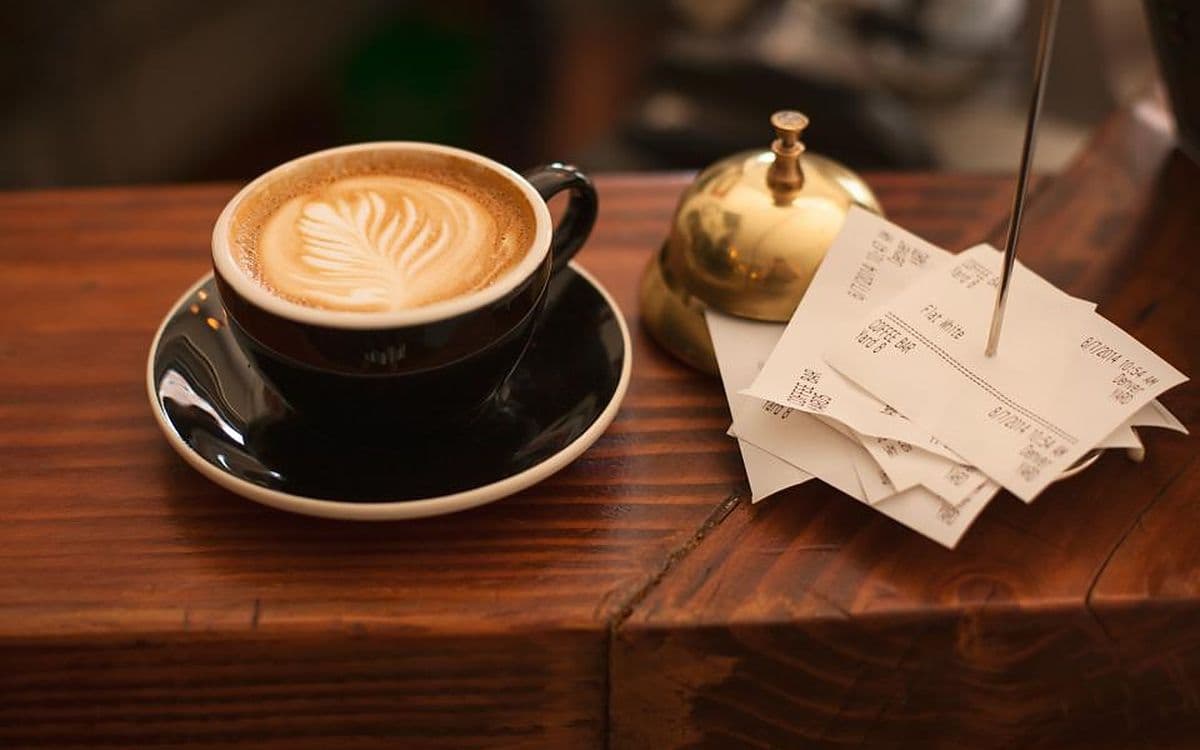
How to keep track of receipts without a shoebox
How to keep track of receipts for returns, warranties and taxes: what to keep and how long, how to save paper and email receipts, and how to find them fast.

How to save a webpage on iPhone (and find it again)
How to save a webpage on iPhone: bookmarks, Reading List for offline reading, Home Screen icons, PDFs, Notes and full-page screenshots, and how to find them.

Information overload isn't about how much exists
Information overload isn't about how much exists but how much we try to hold at once. Where the idea came from, what research says, and what actually helps.
The best Raindrop alternatives in 2026, free and paid
Looking for Raindrop alternatives? A fair look at Linkwarden, Karakeep, Anybox, Readwise Reader, Obsidian and more, including free and self-hosted picks.
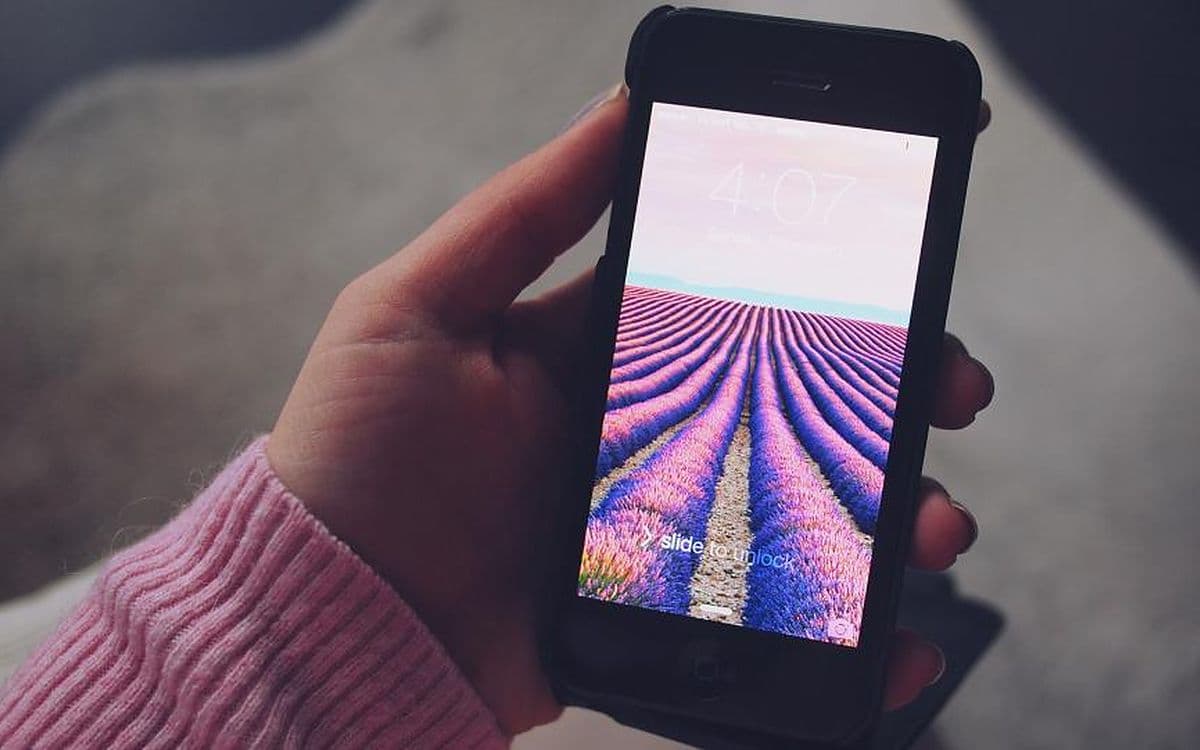
The best screenshot organizer apps for iPhone in 2026
The best screenshot organizer app for iPhone may already be on it. What Photos does in iOS 27, which apps are worth trying, and how to pick for your problem.

How to find a reel you watched on Instagram
How to find a reel you watched on Instagram: Watch history, likes, saves, DMs and search tricks, what to do when it's gone, and how to never lose one again.
How to find a website you visited months ago
How to find a website you visited months ago: search Chrome, Safari or Firefox history, check Google My Activity, and use search tricks when all else fails.

How to keep track of things you want to buy
How to keep track of things you want to buy, and gift ideas for other people, in one list that works with any store, plus a simple rule against impulse buys.
How to organize Instagram saved posts (and find them)
How to organize Instagram saved posts into collections, why you can't search or sort them, how to export them, and a simple system that keeps saves findable.
How to organize your digital life without filing it all
How to organize your digital life without spending every weekend filing: what truly needs structure, what only needs to be findable, and a two-day plan.
How to remember what you read: a method that sticks
How to remember what you read, from books to articles: what the research says about forgetting, and a five-step method built on recall, spacing and questions.
How to search text in photos on iPhone (and when it fails)
Search text in photos on iPhone from the Photos app or Spotlight, find words inside screenshots, and fix it when it isn't working. Updated for iOS 27.
How to search TikTok favorites (there's no search bar)
TikTok has no search bar for favorites. Here's how to search TikTok favorites anyway: collections, the Watched filter, watch history and your data download.

The best mymind alternatives in 2026 (and who each is for)
Looking for mymind alternatives? An honest look at Raindrop, Fabric, Recall, Readwise Reader, Obsidian and more: what each does well, and who it suits.
The collector's fallacy: why saving feels like learning
The collector's fallacy is why your saved folders keep growing while you learn little from them. Where the idea comes from, why it feels good, and what helps.
Too many tabs open? What your browser is telling you
Too many tabs open is rarely about tabs. It's a to-do list you're scared to close. Why tab hoarding happens, and how to let tabs go without losing anything.
Why you screenshot everything and never look at it again
You screenshot to remember, then never open it again. It isn't a discipline problem. Here's what's actually broken, and the fix that asks nothing of you.

Read-it-later is broken. Here's how to actually return to the links you save.
The 'save for later' pile only grows. It isn't willpower: a saved link is just a title and a URL. Here's what makes the links you save findable again.
Search by meaning: how to find something when you've forgotten the words
You remember the thing, not the words you saved it under. Keyword search fails there and meaning-based search doesn't. Here's the difference, simply.
How to find a screenshot you took months ago
You don't need better folders — you need to search the words that were inside the image. Here's why that changes everything, and how to do it.
What a 'second brain' app actually is (and the one you'll use)
The term gets thrown around a lot. Here's what a second brain really is, why most of them fail, and the one quality that decides whether you'll stick with it.
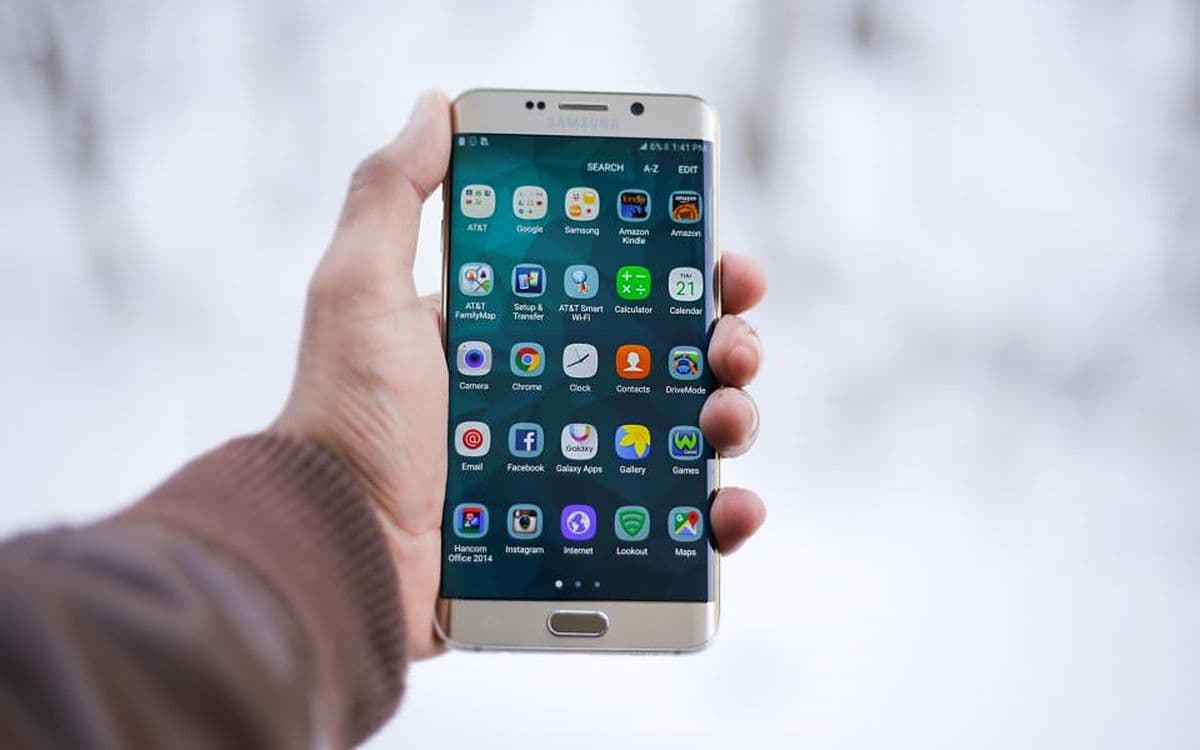
How to save screenshots automatically on Android
How to save screenshots automatically on Android: where they're stored, backing them up to Google Photos, Pixel and Samsung tools, and keeping them findable.
How to save recipes from Instagram and everywhere else
How to save recipes from Instagram, TikTok and the web in one searchable place, organize them digitally, and actually find them when it's time to cook.
What is an AI summarizer, and how does it work?
What is an AI summarizer? A plain-language look at how it condenses articles, screenshots and notes into key points, where it fails, and how to use one.

How to search text inside screenshots on Android
How to search text in screenshots on Android with Google Photos, Lens, Samsung Gallery and Pixel Screenshots, and what to do when the built-in search misses.
The best screenshot organizer apps for Android in 2026
Google Photos, Samsung Gallery, Keep and the purpose-built apps: what each does with 3,000 screenshots, and which problem you're really trying to solve.
The best second brain apps in 2026, and the one I actually kept feeding
Notion, Obsidian, Apple Notes, Google Keep and the rest — what each one is genuinely good at, and why most people abandon the powerful ones by week three.
The best read-it-later apps in 2026, after Pocket died
Mozilla shut Pocket down in 2025 and left a lot of us re-homing years of saved links. What I moved to, what I dropped, and how to choose.
How to organize your travel plans and screenshots
How to organize travel plans and screenshots with a simple before, during and after workflow, so flights, hotels, maps and tips are there when you land.
Digital hoarding: the screenshot edition
Digital hoarding, screenshot edition: what it is, why screenshots pile up faster than anything else, what the pile costs you, and how to make it useful.
How to declutter your screenshots without deleting them
A 20-minute routine to declutter your screenshots on iPhone or Android: what to delete, what to keep, and how to make the rest findable instead of just gone.