
 kitchen.notes•••
kitchen.notes Weeknight miso ramen. 20 minutes, one pot. Miso and tahini broth, soft eggs at 6½ minutes. Save this for later.
Reminari reads what’s inside every screenshot, link and note you keep — so you find things the way you remember them, not the way you filed them.
One email, when it’s ready. Nothing else.
 Welcome note
Share to Reminari from any app, or let it pick up new screenshots by itself. No folder to choose.
The words inside the picture are read on your phone, then written up as something you can search.
Describe it roughly, months later. It comes back, even if your words were never in the image.
Nothing here needs filing. Reminari reads, sorts and hands things back the moment you reach for them.
A recipe, a receipt, a wifi password, a flight number. The text inside the image is read on your phone, then written up so you can actually search it.
Nothing invented, nothing from the open web. It shows which saves it used.
Receipts land with receipts. Travel with travel. The library sorts itself.
Describe it the way you remember it. The right thing still comes back.
Mark anything on-device only, and it never leaves your phone. Not synced, not backed up, not sent to AI.
Nobody screenshots the important stuff. They screenshot the small, specific, easily lost stuff. That’s exactly what disappears.
The wifi password taped to a fridge A flight number, screenshotted at the gate
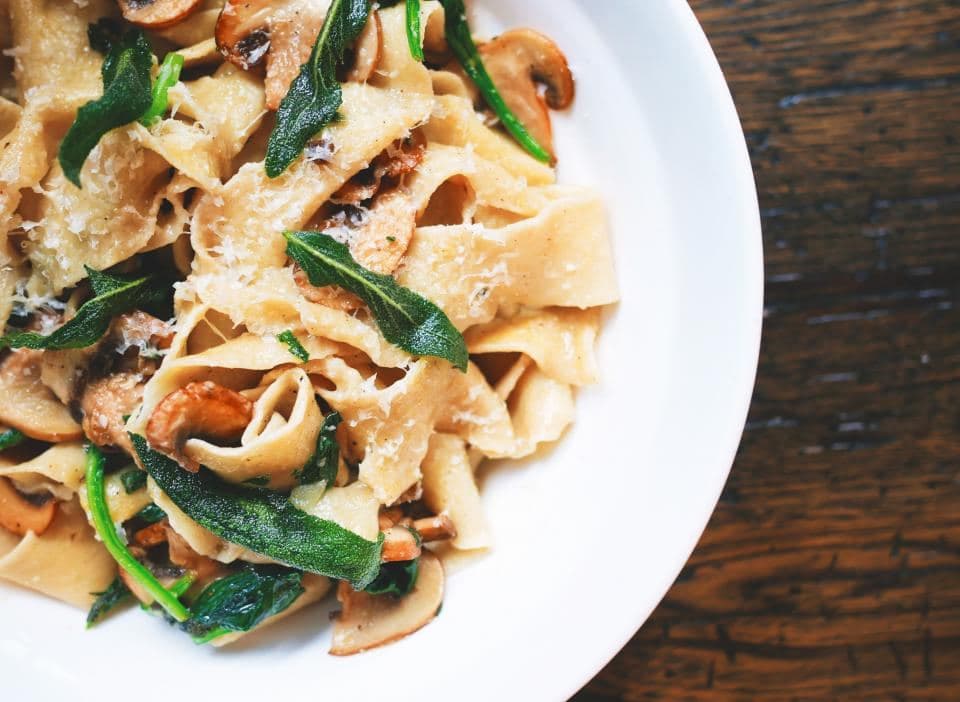 That pasta reel you’ll never find again
 The article everyone was talking about
 A gift idea, mentioned once, in passing
 Where you parked, level 3, row H
 The bookshop someone recommended
 A receipt you’ll need in eleven months
 Your booking reference
 The paint colour you liked
 A quote from a book you didn’t finish
 The name of that song
Built so the private things you save stay private. By design, not by a setting you have to find.
Read the privacy policyText recognition runs on the device. The image doesn’t leave to be read.
It lives in an encrypted database on your phone, with the key held in the phone’s secure keystore.
Summaries and questions are the only things that use a cloud model. Turn them off and the app still works.
One tap removes your account, your files and the copies. There’s a page for it, and it isn’t buried.
Something else on your mind? hello@reminari.com reaches the person building it.
In a private, per-user cloud only you can reach. Images are served through links that expire after an hour, never public URLs. On your phone they live in the app’s private storage, and you can keep any item on-device only, with nothing uploaded at all.
Anything synced to the cloud comes right back when you sign in again. Items you marked on-device only live solely on that phone by design, so keep cloud sync on for anything you can’t lose.
Reading the text inside screenshots happens on your device. Optional cloud AI powers summaries and meaning-search through a secure server. The app never holds the AI key, and you can switch cloud AI off entirely.
Reminari is free to start. A paid plan for heavier AI use is coming later. You’ll always be able to save, search and find without it.
Android first. Join the waitlist to be among the first in. iOS is in active development; add your email and we’ll tell you the moment it lands.
ANDROID FIRST · iOS SOON · ONE EMAIL, WHEN IT’S READY