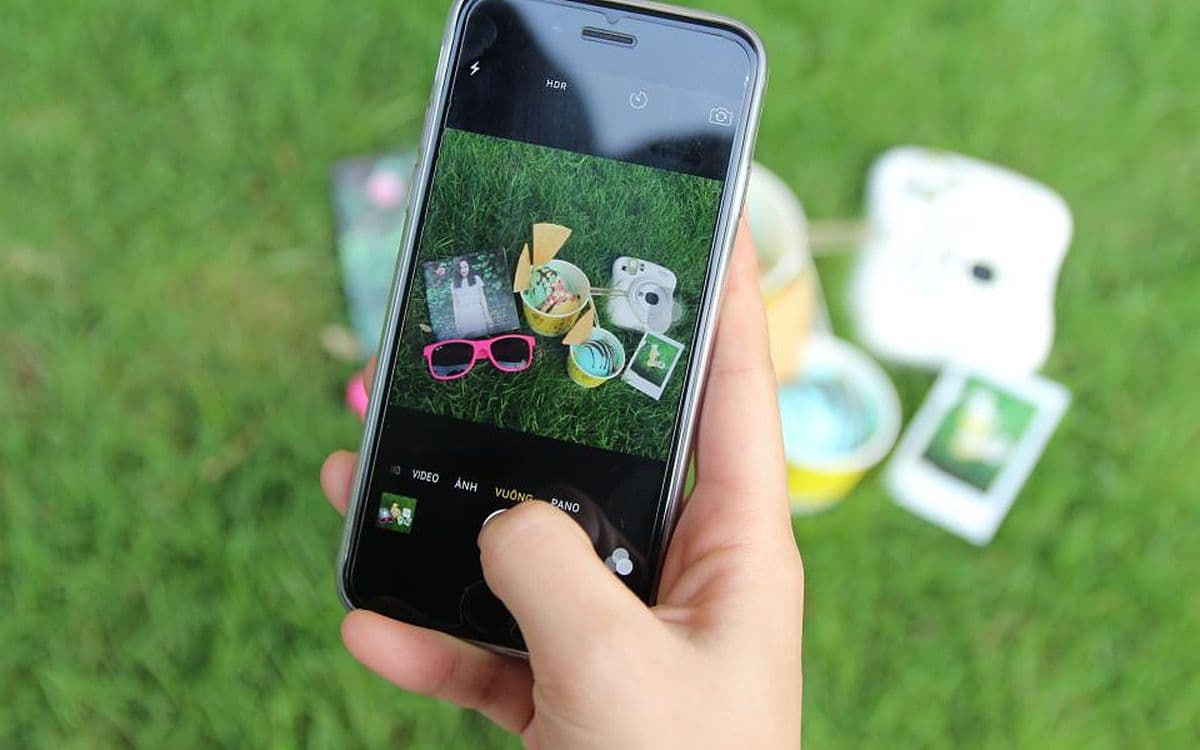
You see something worth keeping — a recipe, a quote, an address, a product someone recommended — and you take a screenshot. For one second, it feels handled. You'll come back to it.
You almost never do.
The screenshot is a promise you don't keep
A screenshot is a tiny promise to your future self: I'll deal with this later. But "later" arrives as a camera roll with four thousand images, where the thing you needed is buried between memes and receipts and photos of parking spots. Finding it means scrolling for ten minutes, so you don't. You just take the screenshot again next time, and the pile grows.
The screenshot did its job in the moment. It failed at the only job that mattered: giving the thing back.
The habit loop behind every screenshot
Screenshotting is one of the most perfectly shaped habits on your phone. Look at how it works.
The cue is a flicker of "I'll want this later," usually when you have no time to deal with it: mid-scroll, mid-conversation, mid-checkout. The routine is two buttons pressed together, which takes less than a second. And the reward arrives instantly: relief. The thought is out of your head and safely somewhere.
The cost, meanwhile, arrives months later and somewhere else entirely, when you're hunting for a booking reference at an airport counter. By then you don't connect the frustration to the habit that caused it. So the loop never corrects itself. Every screenshot feels like a win, and the failures are all filed under "my phone is a mess."
Your brain lets go on purpose
There's another reason screenshots disappear from memory: your brain is designed to let them.
In a well-known 2011 study in Science, Betsy Sparrow and colleagues found that when people expected to have future access to information, they were less likely to remember the information itself, and more likely to remember where to find it. Psychologists call this cognitive offloading. It's sensible. Why store something twice?
Photos do something similar. In Linda Henkel's 2014 museum study, people who photographed objects later remembered fewer of them, and fewer details about them, than people who simply looked. She called it the photo-taking-impairment effect. Interestingly, when people zoomed in to photograph one specific detail, the effect went away, because the act demanded more attention.
Put those together and you get the screenshot trap. The moment you capture something, your brain relaxes its grip, trusting that the screenshot will hold it. That's fine, as long as you remember where it is. But "where" is now "somewhere in my camera roll," which isn't a location so much as a shrug. You end up remembering neither the thing nor how to find it.
It's not a discipline problem
The usual advice is to be more organized: make albums, sort weekly, delete ruthlessly. That advice quietly blames you. And it ignores why you screenshotted in the first place: because you were busy, mid-task, and had exactly one second of attention to spare.
Any system that asks you to do more work at that second is going to lose. You're not going to stop and pick a folder while you're checking out of a store or reading in bed. The capture has to stay free.
Small changes that help today
You don't need to overhaul anything to make screenshots easier to find. A few small adjustments go a long way:
- Crop to what matters. Take a second to trim the screenshot down to the part you wanted, like the address or the ingredient list. Like zooming in Henkel's study, it focuses your attention, and it makes the image easier to recognize later.
- Caption the important ones. On iPhone you can swipe up on a photo in Photos and add a caption, which then shows up in search. Do it only for the few that really matter.
- Use the text search you already have. Both iPhone and Android photo apps can now find words inside images. Here's how it works on iPhone and on Android.
- Clear the obvious junk weekly. Five minutes, no agonizing: duplicates, expired codes, memes you already sent.
These help. But they all ask something extra of you, and the whole point of the screenshot is that it asks nothing. Which is why the real fix has to come from somewhere else.
What actually fixes it
The fix isn't a new habit. It's software that does the remembering for you — that reads what's inside each screenshot, understands it, files it, and hands it back when you describe what you're looking for.
When that happens, the screenshot finally keeps its promise. You save in one second, like you always did. The difference is that months later, "the wifi password from the airbnb" actually finds it.
That's how Reminari works. It can add new screenshots on its own as you take them (or ask first, if you prefer), reads the text inside each one on your device, writes a short summary of what it is, and sorts it into smart groups like Travel or Receipts. Later you search by meaning, or simply ask a question and get the answer from your own saves. If you're already sitting on a mountain of old ones, start by learning how to find a screenshot you took months ago, or read about the bigger pattern in digital hoarding. Reminari is Android first with iOS in development, and you can join the early access list.
Your screenshots were never clutter. They were your memory — just waiting for something to make them findable.
Frequently asked questions
Why do I take so many screenshots?
Because it's the fastest way to hold onto something when you have no time to deal with it. The relief is instant and the cost (not finding it later) shows up months afterwards, so the habit keeps reinforcing itself. It's a sign of good instincts, not bad discipline.
Does taking screenshots affect your memory?
Research suggests it can. People tend to remember less of what they expect to be able to look up later, and a 2014 study found that photographing objects reduced memory for them compared with just looking. That's only a problem if you can't find the screenshot again.
How do I find a screenshot I took months ago?
Search by the text inside it rather than scrolling by date. Recent iPhone and Android photo apps can search words in images, and dedicated apps can search by meaning so a rough description is enough. Our guide to finding an old screenshot covers each option.
Should I delete screenshots after using them?
Delete the ones that are clearly finished, like expired codes and duplicates. Keep anything you might need again, but make it searchable. A smaller pile you can't search is no more useful than a big one.