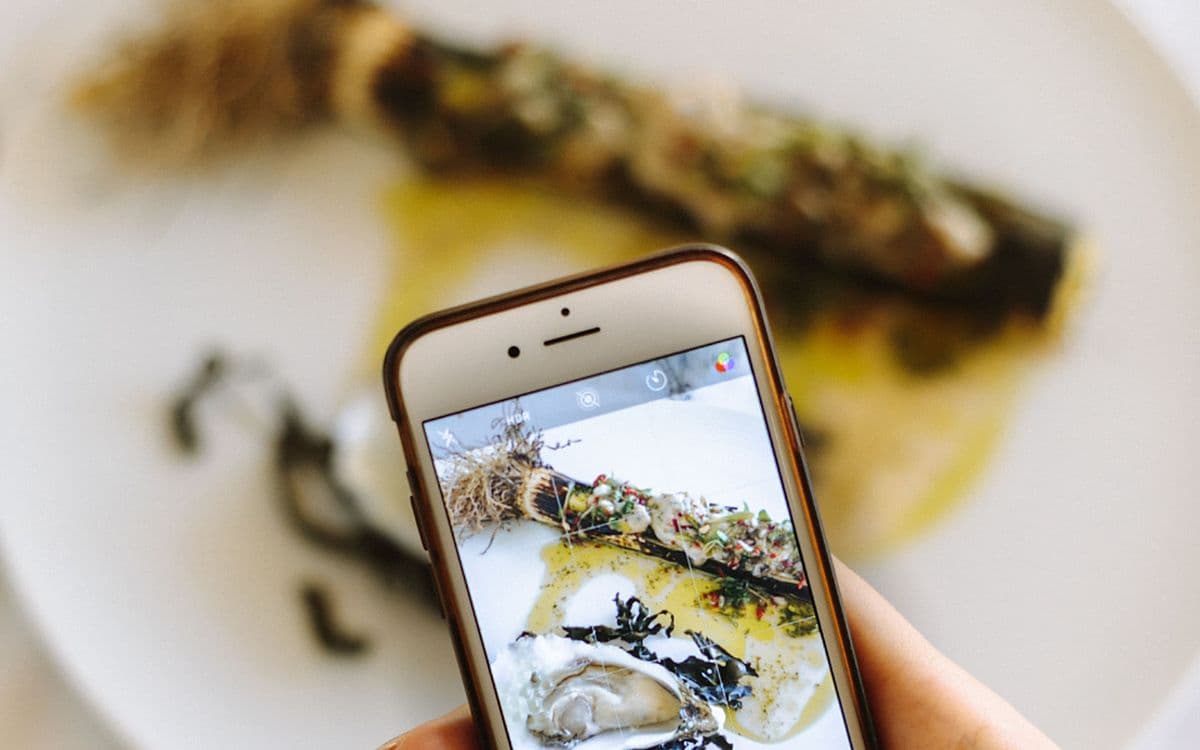
You're scrolling and a video shows the perfect weeknight dinner. You tap the bookmark, or take a screenshot, and tell yourself you'll cook it this weekend.
The trouble starts when you actually want to find it again. Instagram's saved folder fills up fast, mixes recipes with everything else, and can't search what's inside a video.
So the recipe is technically saved. But on the night you want to cook, you can't find it, and you order takeout instead.
It's not that you saved too few recipes. It's that the ones you saved are impossible to search when you're hungry and short on time.
The short version of the fix: save every recipe, from every app, into one place you can search, and save the words (the ingredient list, the dish name) along with the link. The rest of this post is how to do that without turning dinner into an admin job.
Why saved recipes get lost
Every app you save from is its own island. Recipes end up spread across Instagram bookmarks, TikTok favorites, screenshots, and a few browser tabs.
None of them talk to each other. None of them let you search by "that lemon pasta" or "the one with chickpeas." And a screenshot of a recipe is just an image. The ingredients printed inside it aren't searchable at all.
There's also the format problem. Some recipes are in a video, some in a caption, some in a comment, some in a photo you screenshotted. Each one hides its ingredients in a different place, and none of that text is searchable where it sits.
The result is a collection you can save into but can't cook from. It's the same trap as everything else you save online but never find again.
Your options for saving recipes, compared
Most people already use two or three of these. Each one is good at something.
| Where you save | Good at | Falls short |
|---|---|---|
| Instagram collections | One tap while you scroll; private | No search, no notes, posts vanish if deleted |
| TikTok favorites | Same, for TikTok; can be grouped into collections | Only holds TikTok; hard to search later |
| Notes app | Free, searchable, already on your phone | You copy everything by hand; videos stay as bare links |
| Recipes from food blogs and websites | Awkward for reels and TikToks | |
| Recipe apps (Paprika, ReciMe) | Ingredient lists, meal plans, grocery lists | A separate habit; some cap imports on free plans |
| A save-anything app | Every source in one searchable place | Not a full meal planner |
Dedicated recipe apps deserve a fair word. Paprika has a built-in browser that pulls recipes off websites, plus meal plans and grocery lists that combine ingredients by aisle. ReciMe says it can save recipes from Instagram, TikTok, Facebook, Pinterest and YouTube, though its free version limits how many you can import each week. If you cook from saved recipes several nights a week, one of these may be worth it.
If you're more of a "save ten, cook two" person, which is most of us, the bigger win is simply having one place where everything lands.
How to save recipes from Instagram in one place
Here's the workflow I use. It takes about three seconds per recipe.
Step 1: Pick one recipe box
Choose the single place every recipe goes, whatever app you found it in. Instagram, TikTok, a food blog and a cookbook page photographed at a friend's house all go to the same spot.
The key shift is that you stop treating each app as a recipe box. The recipe box is the one place you always look, and every app just feeds into it.
Step 2: Save the words, not just the video
A reel is three minutes of video and one line of caption. What you'll need on a Tuesday is the ingredients and the method.
So when the caption holds the recipe, screenshot it. When the creator flashes the ingredient list on screen, pause and screenshot that frame. Then share the reel's link too, so you can watch the technique later.
The screenshot is what makes the recipe searchable by ingredient. The link is what lets you see how it's done.
Step 3: Save TikTok recipes the same way
TikTok's favorites can be grouped into collections, but they only hold TikToks and they're hard to search later. Use the share button, send the video's link to your recipe box, and screenshot the ingredient frame the same way you would on Instagram. If your TikTok favorites are already a mountain, here's how to search your TikTok favorites.
Step 4: Organize recipes digitally by when you'd cook them
The instinct is to sort by cuisine: Italian, Thai, Baking. But you never wonder "what Italian thing should I make?" You wonder "what can I make in 20 minutes with what's in the fridge?"
Organize by occasion instead:
- Weeknight: 30 minutes or less, few ingredients.
- Weekend: the slow ragù, the bread project.
- Guests: things that look impressive and forgive mistakes.
- Batch: lunches for the week.
If your app groups things automatically, let it, and just search when you need something.
Step 5: Make a Sunday shortlist
Once a week, pick two or three saved recipes you'll actually cook. Move them to the top, or add them to a list. This one habit turns a saved recipe pile into meals. Everything else can stay where it is until you need it.
From saved to actually cooked
The last step is turning a save into a meal. That's where most collections fail. The recipe is there, but it's locked inside a three-minute video you have to scrub through with messy hands.
When each recipe carries its key points, you can glance at the ingredients while you cook. That's the difference between a saved recipe and a cooked one.
A few small things help in the kitchen:
- Keep the ingredient screenshot next to the link, so you never have to find the right frame of the video again.
- Write one line about any change you made ("half the chili, add lemon"). Next time you'll thank yourself.
- Delete the ones you've cooked and didn't love. A smaller recipe box is a more useful one.
Where Reminari fits
This is the problem that pushed me to build Reminari, so I'll be upfront about the bias.
Reminari is a save-anything app, not a recipe manager. You share a reel, a TikTok or a web page to it from the share sheet, and it keeps the link with whatever title, description and preview the page provides. Screenshots of captions and ingredient lists get read on your phone, so the text inside them becomes searchable. Recipes group themselves into a Recipes group without you filing anything, each save gets a short summary with key points, and you can search by what you remember ("the one with chickpeas and lemon") because the search works by meaning, not keywords. You can even ask "what was that miso pasta?" and get an answer built from your own saves.
It doesn't plan meals or write grocery lists, and it won't import what's already in your Instagram Saved. It's Android first, with iOS in active development. Join the early access list if you'd like to try it.
The recipe you actually cook is the one you can find at 7pm on a Tuesday. Everything else is a bookmark.
Frequently asked questions
What is the best app to save recipes from social media?
It depends on how you cook. If you plan meals and want grocery lists, a recipe app like Paprika or ReciMe is built for that. If you mostly save recipes from many places and want to find them again quickly, a save-anything app with search works better, because it holds recipes alongside the rest of what you keep.
How do I save TikTok recipes so I can find them later?
Tap share on the video and send the link to the one place you keep recipes, then screenshot the frame or caption with the ingredient list. TikTok favorites work as a quick bookmark, but they only hold TikToks and aren't easy to search. Saving the words is what makes a recipe findable by ingredient.
How do I organize recipes digitally?
Keep one recipe box, not one per app, and organize by when you'd cook something (weeknight, weekend, guests) rather than by cuisine. Save the ingredient list as text or a screenshot alongside the link. Then pick two or three recipes each week to actually make.
Can I organize Instagram recipes inside Instagram?
Yes, with collections. Press and hold the bookmark on a post to save it straight into a "Cook" collection. You still can't search inside Saved, so for anything you'll want to find by ingredient, screenshot the caption as well. Here's more on how to organize Instagram saved posts.